使用 Wine 在 Linux 上运行 Google Chrome
虽然 Google 表示 Google Chrome 浏览器会提供 Linux 平台的版本,但是仍然需要假以时日。如果你身边既没有 Windows 系统,又想要急着体验 Chrome,不妨考虑在 Linux 上通过 Wine 来运行它。
以下是在 Linux 上运行 Google Chrome 的步骤:
- 安装 Wine,确保使用 1.1.3 最新版。
-
下载并安装 winetricks:
wget http://www.kegel.com/wine/winetricks sudo cp winetricks /usr/sbin3. 安装依赖和 Flash 插件:
winetricks riched20 riched30 flash4. 安装字体(可选):
winetricks allfonts5. 下载 Chrome 安装程序:wget http://gpdl.google.com/chrome/install/149.27/chrome_installer.exe6. 安装 Chrome:
wine chrome_installer.exe7. 在安装完成后,先不要运行 Chrome,使用文本编辑器编辑 Google Chrome.desktop 文件:Exec=env WINEPREFIX="/home/mimir/.wine" wine "C:\\windows\\profiles\\mimir\\Local Settings\\Application Data\\Google\\Chrome\\Application\\chrome.exe"将上面的内容改成:
Exec=env WINEPREFIX="/home/mimir/.wine" wine "C:\\windows\\profiles\\mimir\\Local Settings\\Application Data\\Google\\Chrome\\Application\\chrome.exe" --new-http --in-process-plugins注意,你需要将其中的 mimir 更换成你的用户名。
-
回到桌面,点击 Google Chrome 运行程序。
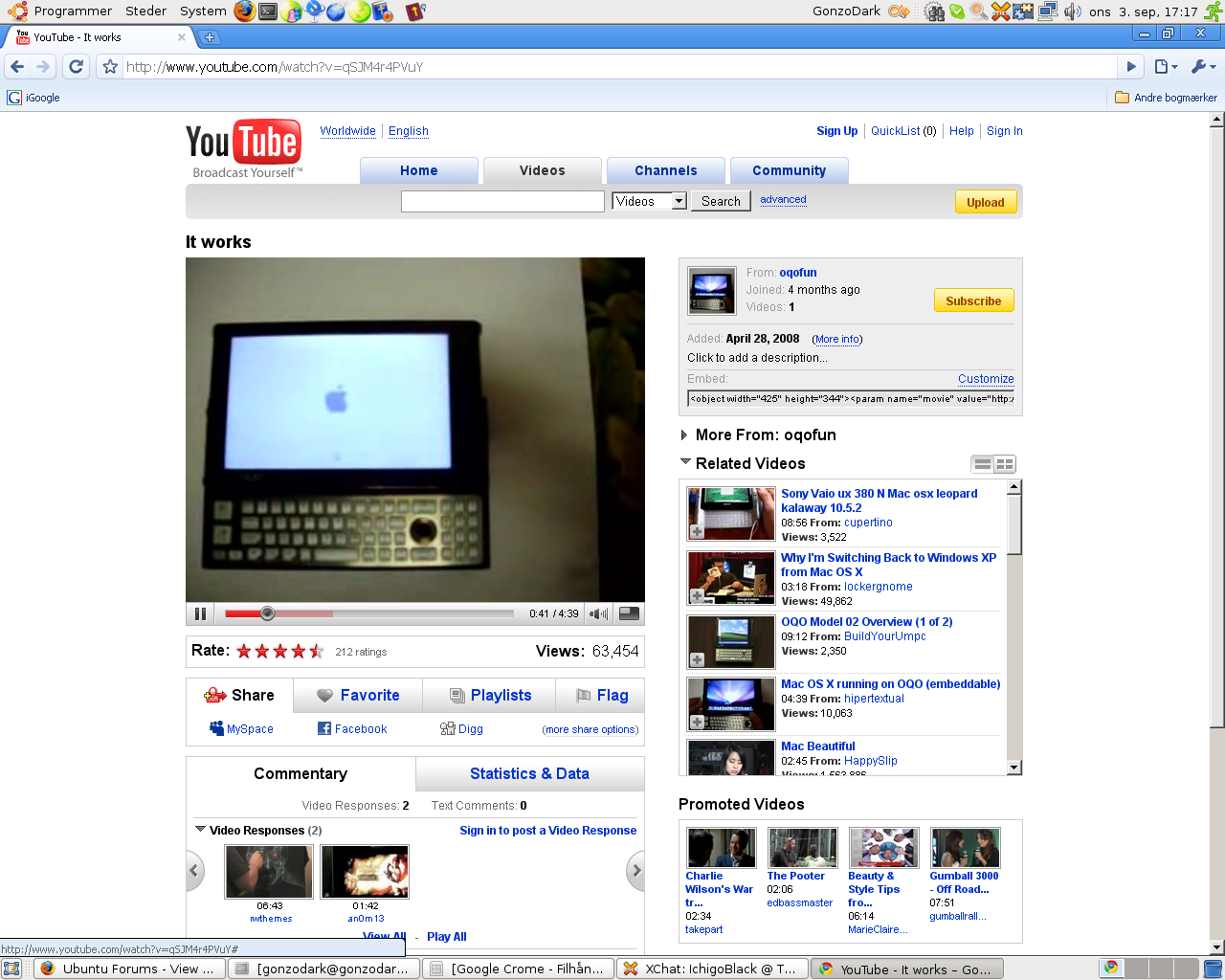
截图:
[via My Science Is Better]
