OpenOffice.org 2.1 安装手记
OpenOffice.org 在几天前推出了最新的 2.1 版,新的版本包含一些不错的改进和增强。OpenOffice.org 2.1 是一次非常重要的升级,这种体会在使用中感觉尤为明显。对多数普通用户来说,如何在自己的系统中安装 OpenOffice.org 2.1,这成为一个需要面临的问题。
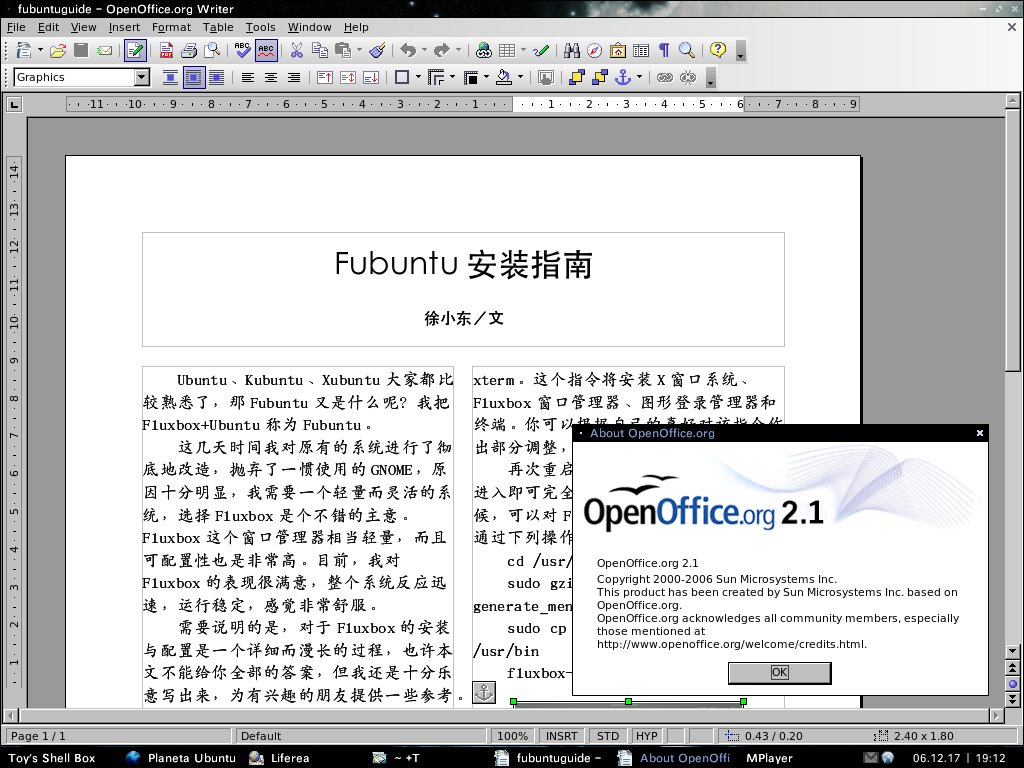
OpenOffice.org Writer 2.1
以下是我在 Ubuntu Edgy 中安装 OpenOffice.org 2.1 的笔记,或许可以聊作参考。
首先,从 OpenOffice.org 的 ftp 站点上下载 OpenOffice.org 2.1 的安装包 OOo_2.1.0_LinuxIntel_install_wJRE_en-US.tar.gz。该包约 140 多兆,下载需要一定时间。
在下完之后,执行
tar xvzf OOo_2.1.0_LinuxIntel_install_wJRE_en-US.tar.gz 解包,然后执行
cd OOE680_m6_native_packed-1_en-US.9095/RPMS 转到 RPMS 目录。
现在,需要为接下来的操作准备一些工具:alien、fakeroot、rpm。这些工具主要的用途就是把
rpm 包转换为 deb 包。如果没有这些工具,就使用
sudo apt-get install alien fakeroot rpm 装上吧。
是时候开始执行转换过程了。执行命令
fakeroot alien -k --scripts *.rpm,这将使 RPMS 目录中所有的 rpm
包转换为 deb 包。由于 OpenOffice.org
的安装包较多,此时要耐心地等一会儿。
当所有的包都转换完成后,先不要急于安装。这里有一些需要注意的地方:
- 如果系统中已包含 Java 运行环境,那么 jre_1.5.0_07-fcs-1_i386.deb 包就不必安装。
- 根据所使用的桌面环境,如果是 GNOME,那么就安装 openoffice.org-gnome-integration_2.1.0-6_i386.deb 包;而如果是 KDE 的话,则安装 openoffice.org-kde-integration_2.1.0-6_i386.deb 包。
把上面这几个包先移到另外的目录,执行 sudo dpkg -i *.deb,这将使
OpenOffice.org 2.1
安装到系统中。接着,根据上述之情况,对应地选择安装上面的包。如 GNOME 或
XFCE,执行
sudo dpkg -i openoffice.org-gnome-integration_2.1.0-6_i386.deb;KDE
下,执行
sudo dpkg -i openoffice.org-kde-integration_2.1.0-6_i386.deb。最后,在
desktop-integration 目录(RPMS 下面)还有个
openoffice.org-debian-menus_2.1-5_all.deb 包,可执行
sudo dpkg -i openoffice.org-debian-menus_2.1-5_all.deb 安装。
至此,OpenOffice.org 2.1 的整个安装过程宣告结束。值得注意的是,OpenOffice.org 2.1 的安装位置在 /opt/openoffice.org2.1/ 下。
