技巧:解决安装依赖问题
有时候,当我们在 Ubuntu 中直接安装已下载的 deb 文件时,会遇到恼人的依赖问题,以下是我的解决方案。
今天在安装 fala 时,又遇到了出错提示:
Selecting previously deselected package fala. (Reading database ... 81909 files and directories currently installed.) Unpacking fala (from fala_0.1-1_i386.deb) ... dpkg: dependency problems prevent configuration of fala: fala depends on festival; however: Package festival is not installed. dpkg: error processing fala (--install): dependency problems - leaving unconfigured Errors were encountered while processing: fala
根据该提示分析,显然出在依赖问题上。不急,我们使用 Synaptic
来搞定它。通过在终端输入 sudo synaptic 启动后,立即看到了错误报告。
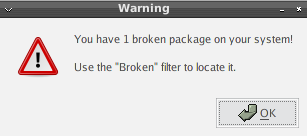
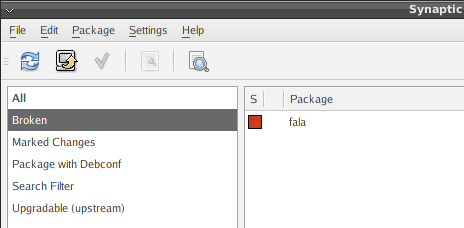
好,现在我们就来解决依赖问题。点击“编辑 -> 修复损坏的包”菜单命令,我们看到 fala 左边的方框变绿了。继续执行“编辑 -> 应用标记的更改”,弹出下图所示对话框。
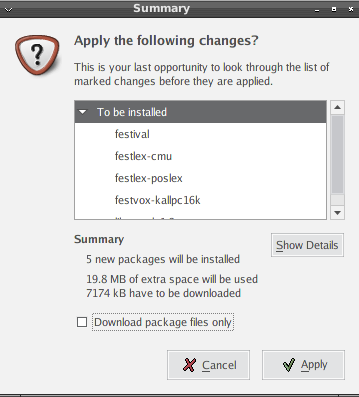
单击“应用”按钮,很快便安装好了。希望此技巧对你有所帮助。
